
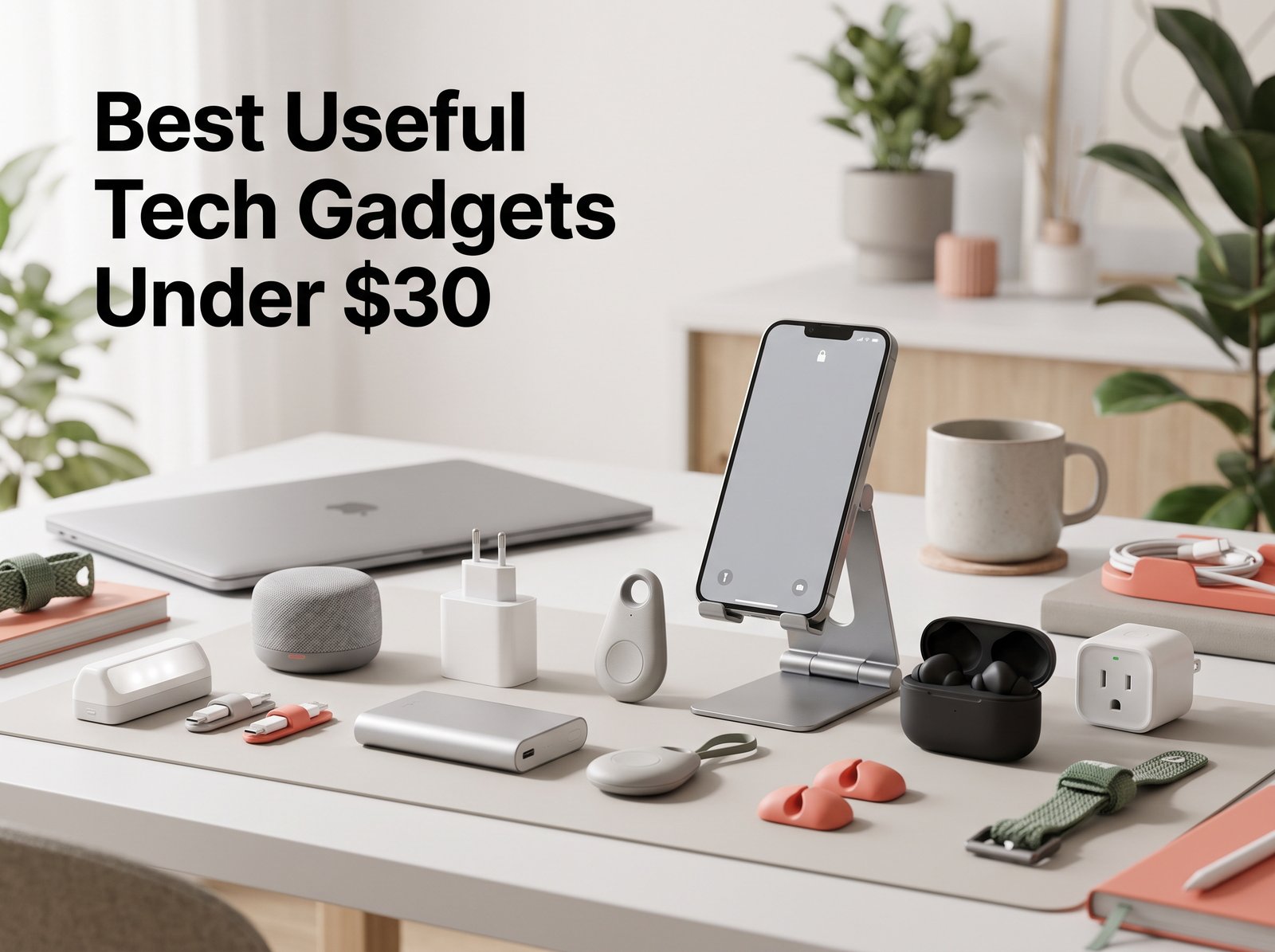
Best Useful Tech Gadgets Under $30 in 2026
Looking for useful tech gadgets without spending a lot?
You don’t need expensive devices to make everyday tasks easier. Sometimes a compact charger, adjustable phone stand, power bank, or simple organization gadget can make a bigger difference than a flashy piece of technology you rarely use.
In this guide, we’ve rounded up useful tech gadgets under $30 for your phone, desk, home, travel, and everyday routine. We’ll look at what each type of gadget is best for, why it may be useful, and what you should check before buying.
Price note: Prices vary by retailer, seller, promotions, and availability. The price ranges in this guide are general budget targets rather than guaranteed current prices. Always check the current listing before purchasing.
Quick Picks: Best Useful Tech Gadgets Under $30
| Gadget | Best For | Typical Budget |
|---|---|---|
| Compact USB-C Fast Charger | Everyday charging | $15–$30 |
| Bluetooth Item Tracker | Finding misplaced items | $15–$30 |
| Compact Power Bank | Travel & emergency charging | $15–$30 |
| Smart Wi-Fi Plug | Simple home automation | $10–$20 |
| Adjustable Phone Stand | Desk & video calls | $8–$20 |
| LED Motion-Sensor Light | Closets & dark spaces | $10–$25 |
| Cable Management Kit | Organizing desks | $5–$15 |
| Mini Bluetooth Speaker | Portable audio | $20–$30 |
| Retractable Multi-Cable | Travel & everyday charging | $10–$20 |
| Mini Label Printer | Home & office organization | $20–$30 |
Affiliate disclosure: This article may contain affiliate links. If you make a purchase through one of these links, AWIZ DEALER may earn a commission at no additional cost to you.
1. Compact USB-C Fast Charger
Best for: Everyday charging, travel, work, and reducing bulky chargers.
A compact USB-C charger is one of the simplest upgrades you can make to your everyday tech setup.
Instead of carrying a large charging brick, a smaller USB-C charger can provide a more convenient option for compatible phones, earbuds, tablets, and other devices.
The important thing isn’t simply choosing the charger with the largest wattage number. You need one that matches the charging requirements of the devices you actually use.
Why consider it?
- Compact enough for travel
- Useful at home, work, or school
- Compatible with many modern USB-C devices
- Can replace older, bulkier charging adapters
- Easy to keep in a backpack or travel bag
What to check before buying
Look for USB-C Power Delivery (PD) support, appropriate wattage, device compatibility, and credible safety information.
For charging products in particular, don’t choose an unknown product simply because it makes impressive power claims.
AWIZ DEALER tip: More wattage isn’t automatically better. Match the charger to the power requirements supported by your device.
2. Bluetooth Item Tracker
Best for: Keys, bags, backpacks, luggage, and other frequently misplaced belongings.
If you regularly wonder where you left your keys or bag, an item tracker can be a practical little piece of technology.
These small devices can be attached to everyday belongings and used with a compatible smartphone or tracking network to help locate them.
Why consider it?
- Small and lightweight
- Useful for frequently misplaced items
- Convenient for backpacks and luggage
- Easy to carry
- Particularly useful when traveling
What to check before buying
Compatibility is the big one.
Different trackers work with different phones, apps, and device-finding networks. Before buying, check whether the tracker is designed for your smartphone ecosystem and understand which tracking features it actually supports.
Also consider battery type, replacement requirements, size, and whether additional accessories are needed to attach it to your belongings.
3. Compact Power Bank
Best for: Travel, commuting, students, and emergency phone charging.
A power bank isn’t necessarily the most exciting gadget on this list, but it can be one of the most practical.
When you’re away from an outlet, a compact power bank can provide additional battery power for a compatible phone or other portable device.
Why consider it?
- Useful while traveling
- Convenient for long days away from home
- Provides backup power when outlets aren’t available
- Small models can fit easily in a bag
What to check before buying
Look at:
- Stated battery capacity
- USB-C input/output
- Supported charging standards
- Size and weight
- Battery-level indicator
- Safety information
Be cautious of extremely cheap batteries that advertise unusually large capacities without clear supporting specifications.
4. Smart Wi-Fi Plug
Best for: People who want a simple introduction to smart-home automation.
You don’t need to replace everything in your house with smart devices to experiment with home automation.
A compatible smart plug can allow certain ordinary devices—such as lamps—to be controlled through an app or schedule.
For example, you might schedule a lamp to switch on in the evening instead of remembering to do it manually every day.
Useful applications
- Lamps
- Certain desk fans
- Holiday lighting
- Scheduled lighting
- Compatible small appliances
What to check before buying
Check:
- Electrical rating
- Wi-Fi requirements
- App compatibility
- Voice-assistant compatibility, if important to you
- Maximum supported load
- Size, especially if you’re using adjacent wall outlets
Important: Only connect devices that are appropriate for use with the specific smart plug and follow the manufacturer’s electrical and safety instructions.
5. Adjustable Phone & Tablet Stand
Best for: Desks, studying, video calls, content viewing, and home offices.
Sometimes the most useful gadgets are also the simplest.
An adjustable stand can keep your phone or tablet upright rather than lying flat on your desk, making the screen easier to see during everyday tasks.
You might use one for:
- Video calls
- Watching tutorials
- Following recipes
- Reading
- Studying
- Using your phone as a secondary display
- Creating content
Why consider it?
There are no batteries, complicated apps, or charging requirements. It’s simply a practical desk accessory that can make your device easier to position.
What to check before buying
Look at the stand’s supported device sizes, adjustability, stability, base design, hinge resistance, and whether it can accommodate your device while it’s in a case.
Want a closer look?
View our Foldable Phone & Tablet Stand →
Link this button internally to:
/foldable-phone-tablet-stand/
This is one of the places where I strongly recommend using your AWIZ product page rather than linking directly to a marketplace. Your existing article identifies phone stands as a practical desk accessory for calls, studying and other everyday uses. Pasted text
6. LED Motion-Sensor Light
Best for: Closets, cabinets, hallways, wardrobes, and other poorly lit spaces.
Some everyday problems don’t require an expensive smart-home solution.
A rechargeable motion-sensor light can provide temporary lighting in areas where installing permanent lighting may be inconvenient.
Places you might use one
- Closets
- Wardrobes
- Kitchen cabinets
- Hallways
- Stair areas
- Under desks
- Storage spaces
What to check before buying
Consider the charging method, brightness settings, sensor range, mounting system, battery life, dimensions, and whether the light offers different operating modes.
Choose the size and brightness according to the area you actually want to illuminate.
7. Cable Management Kit
Best for: Messy desks, charging stations, home offices, and entertainment setups.
The more devices you own, the easier it is for your desk to become covered in cables.
Cable clips, reusable ties, sleeves, and other organizers offer a simple way to keep frequently used cables in predictable places.
Why consider it?
A cable-management setup can help:
- Keep charging cables within reach
- Stop loose cables from falling behind a desk
- Separate different device cables
- Reduce visible clutter
- Make a workspace easier to organize
Unlike many electronic gadgets, cable-management accessories generally don’t require an app, battery, or complicated setup.
What to check before buying
Think about the number and thickness of your cables, the surface where clips will be attached, whether you want reusable components, and how often you rearrange your workspace.
8. Mini Bluetooth Speaker
Best for: Casual listening, travel, bedrooms, kitchens, and outdoor use.
You don’t necessarily need a large speaker system when you simply want portable audio.
Compact Bluetooth speakers can be convenient for listening around the house or taking audio with you while traveling.
What to look for
Prioritize:
- Battery life
- Bluetooth compatibility
- USB-C charging
- Physical size
- Water resistance if appropriate for your use
- Controls
- Audio quality
At this price level, impressive-looking specification numbers don’t necessarily tell you how good a speaker will sound.
Reviews can be especially useful for evaluating real-world battery performance, Bluetooth stability, and audio quality.
9. Retractable Multi-Charging Cable
Best for: Travel and people who regularly carry several types of devices.
Phone cable. Earbud cable. Tablet cable.
It doesn’t take long before a travel bag becomes a tangled collection of charging accessories.
A retractable or multi-connector cable can help reduce some of that clutter by putting several charging options into one compact accessory.
Why consider it?
- Takes up less space
- Convenient for travel
- Helps organize charging accessories
- Can support different connector types, depending on the model
What to check before buying
Don’t assume that every multi-cable supports the same capabilities.
Check connector types, supported charging power, device compatibility, cable length, and whether the cable supports data transfer if you need that feature.
Looking for another charging option?
You can also explore our:
120W USB-C Fast Charging Cable →
Link internally to:
/120w-usb-c-fast-charging-cable/
Because charging specifications vary by device and seller, your product page should explain compatibility rather than implying that every device will charge at the advertised maximum wattage.
10. Mini Bluetooth Label Printer
Best for: Home organization, students, home offices, craft spaces, and small businesses.
A mini label printer might seem like a novelty until you find enough things to organize.
Compact thermal label printers can connect to compatible smartphones and create small labels without traditional ink cartridges.
Possible uses
- Storage boxes
- Charging cables
- School supplies
- Pantry containers
- Office drawers
- Craft supplies
- Small-business packaging
Why consider it?
This type of gadget combines technology with organization rather than adding another screen to your life.
If you enjoy keeping a workspace or storage area organized, it can be a particularly practical option.
What to check before buying
Check label dimensions, replacement-label availability, app compatibility, supported devices, printing options, battery/charging method, and ongoing label costs.
Remember that thermal printers still require compatible thermal labels, even though they don’t use conventional ink cartridges.
How to Choose a Useful Tech Gadget Under $30
The biggest mistake when shopping for inexpensive gadgets is buying something simply because it looks interesting.
Instead, start with the problem you want to solve.
Ask yourself:
My phone frequently runs out of battery.
→ Consider a compact power bank.
I regularly lose my keys or bag.
→ Consider a compatible Bluetooth tracker.
My charging setup is too slow or bulky.
→ Consider an appropriate USB-C charger.
My desk is full of loose cables.
→ Consider cable-management accessories.
I want simple home automation.
→ Consider a compatible smart plug.
My phone is awkward to use at my desk.
→ Consider an adjustable stand.
I have dark closets or cabinets.
→ Consider a motion-sensor light.
This problem-first approach is much more useful than buying something simply because it’s trending.
What to Check Before Buying Budget Tech
Price shouldn’t be the only deciding factor.
1. Compatibility
Make sure the gadget works with the devices, operating systems, charging standards, connectors, or apps you already use.
2. Specifications
Look beyond the headline numbers.
Check the details that actually affect how you’ll use the product—such as charging standards, battery capacity, dimensions, supported devices, and connectivity.
3. Recent customer feedback
Don’t rely only on an average star rating.
Recent reviews can help identify recurring issues involving build quality, compatibility, battery performance, software, or inaccurate product descriptions.
4. Safety information
This is especially important for:
- Chargers
- Power banks
- Smart plugs
- Batteries
- Other powered electronics
Saving a few dollars isn’t worth choosing questionable electrical equipment.
5. App dependency
Some gadgets depend heavily on a companion app.
Check whether the app is available for your device, appears to be maintained, and provides the features you actually need.
6. Seller and return information
When buying through an online marketplace, compare the listing carefully.
Similar-looking products can have different specifications depending on the seller.
Best Under-$30 Gadgets by Problem
| Your Problem | Gadget to Consider |
|---|---|
| Phone battery keeps running low | Compact power bank |
| Frequently lose keys or bags | Bluetooth item tracker |
| Need a smaller charging setup | USB-C fast charger |
| Messy cables | Cable-management kit |
| Dark closet or cabinet | Motion-sensor LED light |
| Want simple smart-home controls | Smart Wi-Fi plug |
| Poor phone positioning | Adjustable phone stand |
| Need portable audio | Mini Bluetooth speaker |
| Carry too many charging cables | Retractable multi-cable |
| Messy storage | Mini label printer |
Are Cheap Tech Gadgets Actually Worth Buying?
They can be—but usefulness matters more than novelty.
A budget gadget doesn’t have to do ten different things to provide value. Often, the best products solve one small, recurring problem well.
For example, a cable organizer you use every day could be more useful to you than a complicated gadget that looks impressive initially but ends up forgotten in a drawer.
That’s why we prefer to evaluate budget gadgets based on questions such as:
What problem does it solve?
How often would someone realistically use it?
Is it compatible with the devices they already own?
Are its specifications appropriate for the intended use?
Are there important limitations buyers should know about?
This is also consistent with the buying approach already established in your original article: focus on the problem rather than buying something merely because it looks interesting. Pasted text
Our Quick Recommendations
If you’re unsure where to start:
Best everyday charging upgrade: Compact USB-C charger
Best for travel: Compact power bank
Best for frequently misplaced belongings: Bluetooth item tracker
Best simple smart-home option: Wi-Fi smart plug
Best desk accessory: Adjustable phone stand
Best organization gadget: Mini label printer
Best low-cost desk improvement: Cable-management kit
The goal isn’t to own more gadgets.
It’s to find products that make everyday tasks a little easier.
Explore More Tech Finds
Want to continue researching before buying?
Frequently Asked Questions
What are some useful tech gadgets under $30?
Compact USB-C chargers, power banks, phone stands, Bluetooth trackers, smart plugs, motion-sensor lights, cable organizers, mini speakers, multi-charging cables, and label printers are examples of budget-friendly gadgets designed for practical everyday uses.
What is a good tech gadget under $30 for everyday use?
It depends on the problem you’re trying to solve. A compact charger can be useful for everyday charging, a phone stand can improve a desk setup, while a power bank can be more useful for someone who frequently travels or spends long periods away from an outlet.
Are cheap tech gadgets worth buying?
They can be. Look for a clear use case, appropriate specifications, device compatibility, recent customer feedback, and reasonable build quality rather than choosing a product solely because it’s inexpensive.
What should I check before buying budget charging accessories?
Pay particular attention to device compatibility, supported charging standards, power specifications, safety information, manufacturer information, and recent reviews.
What is a useful tech gift under $30?
Phone stands, Bluetooth trackers, compact chargers, small speakers, cable organizers, and label printers can all be practical gift ideas, depending on the recipient’s devices and interests.
Where can I find affordable tech gadgets?
Online marketplaces and specialist retailers offer a wide variety of budget tech products. Compare the specifications, seller information, recent reviews, shipping terms, and return policies before deciding which listing to purchase.
Final Verdict
The best useful tech gadgets under $30 aren’t necessarily the products with the longest feature lists.
They’re the ones that address a real everyday problem without adding unnecessary complexity.
A compact charger can simplify your charging setup. A phone stand can make your desk more convenient. A power bank can provide backup power while you’re away from an outlet. And something as simple as cable organizers can make a cluttered workspace easier to manage.
At AWIZ DEALER, our goal is to help you discover interesting products, understand what they may be useful for, and know what to check before you buy.
Ready to discover more?